Process TCN Campaign
The Process TCN Campaign option in Batch Processing
enables you to submit call campaigns to TCN directly
through Collect!. Then you can download the campaign
results through Collect!'s batch processing and automatically
update the accounts in your database.
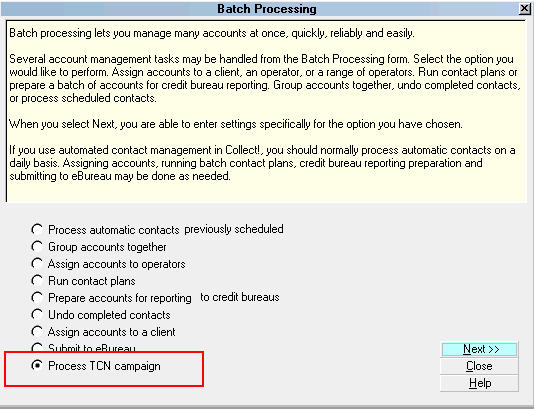
Process TCN Campaign
Select this option to process your TCN call campaign.
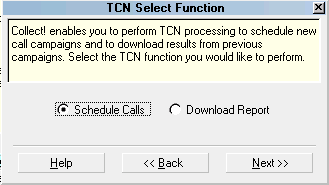
You will be presented with the TCN Select Function form
where you can select to broadcast a campaign or
process results from a previous campaign.
TCN Select Function
TCN Campaign processing requires that you have
set up an account with TCN and that you have entered the
appropriate settings in the TCN Setup form in Collect!. To
access the TCN Setup form, Select System from the top
menu bar and the select Preferences from the drop-down
choices. Select the TCN SETUP button to open the TCN Setup
form.
TCN Setup
TCN Service is an add-on extension module
enabled in CV11.3.2 and newer. If you have upgraded from
an earlier version, you may need to request a new license
from Comtech Systems to enable the feature.
See Also
- TCN Service Topics
|
Please click this link to send us your comments: helpinfo@collect.org